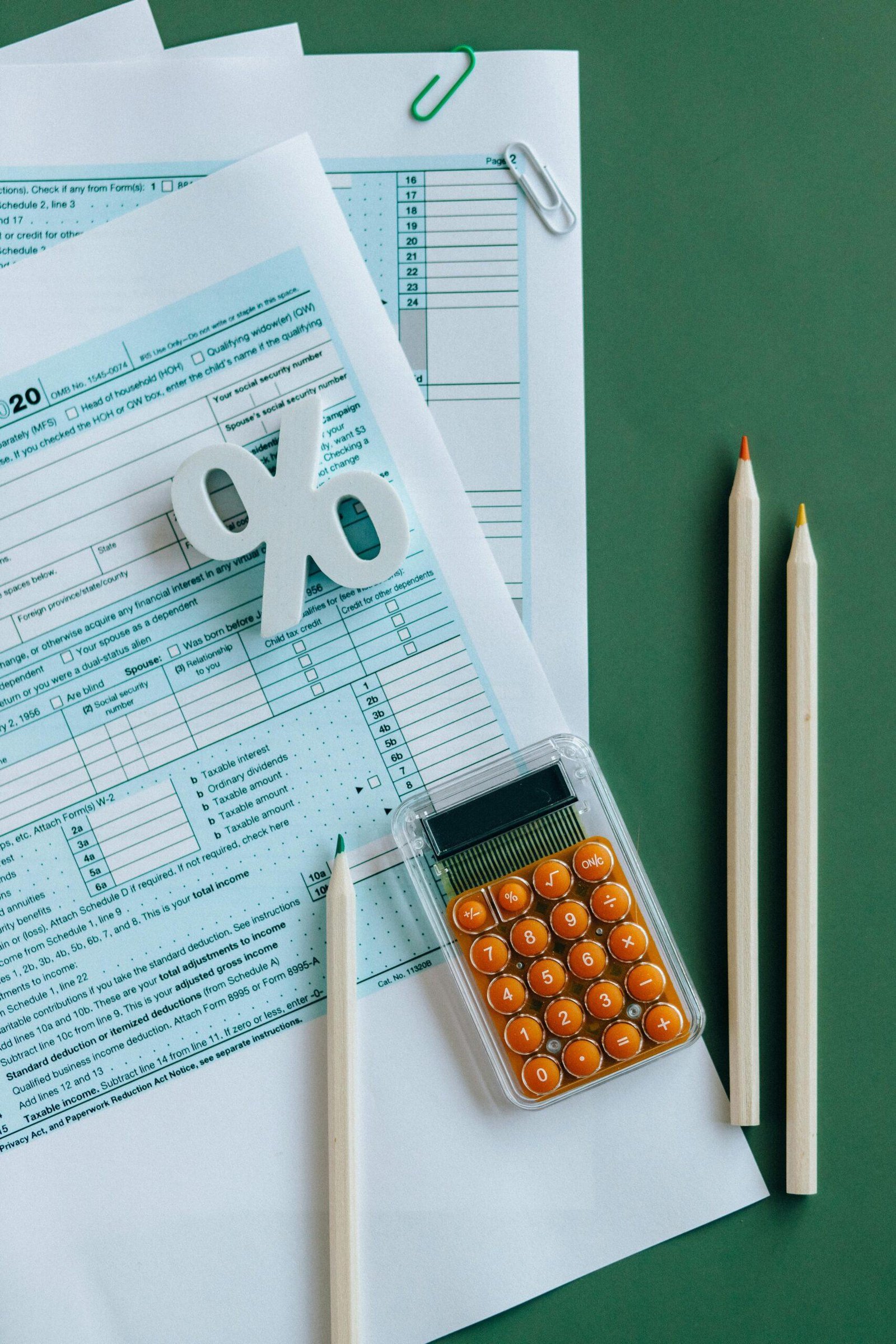
Best Accounting Software for Small Businesses in South Africa
Keeping your business finances organised is critical for long-term sustainability—especially for small businesses in South Africa. With compliance, tax submissions, payroll, and cash flow all linked to effective bookkeeping, choosing the best accounting software South Africa small business owners can rely on is not just preferable—it’s essential. In this guide, we explore the top options, how to pick the right one for your needs, and what to avoid. Whether you’re a solo entrepreneur or growing SMME, the right tool can save you time, reduce errors, and boost profitability.
Why Accounting Software Matters for South African SMEs
Many small business owners in South Africa start off using spreadsheets or paper-based systems. While this might work initially, it often leads to inefficiencies, non-compliance, and missed opportunities as the business grows.
Here’s why reliable accounting software is crucial for South African SMMEs:
- Tax Compliance: Software like Sage or Xero integrates with SARS standards, helping you stay compliant with VAT, PAYE, and income tax regulations.
- Cash Flow Visibility: Real-time dashboards help you monitor income and expenses, avoiding unwelcome surprises.
- Invoicing and Payments: Create, send, and track invoices faster with automated features and integration with payment gateways like Yoco or PayFast.
- Payroll Integration: Manage employee salaries, UIF, and payroll submissions directly within the system.
- Audit Readiness: Get organised records, making audits or funding applications less stressful.
More importantly, accurate financial data provides a foundation for growth. Whether you’re applying for government funding from SEFA, or planning your next investment, data-driven decisions start with well-managed books.
How to Choose the Best Accounting Software: Step-by-Step Guide
Step 1: Define Your Business Needs
Are you a sole trader, retail outlet, or service provider? Each has different needs. For example, a freelance designer may only need invoicing, while a small manufacturer might require inventory controls and payroll.
Step 2: Prioritise Local Compliance
Choose software that aligns with South African tax laws. Look for built-in VAT calculations, SARS-compliant reports, and local payroll modules. SARS compliance features should be non-negotiable.
Step 3: Compare Popular Accounting Tools
Some top contenders for South African SMMEs include:
- Sage Business Cloud Accounting: Locally trusted, VAT-ready, and affordable for startups. Offers integration with payroll, banking, and eFiling.
- Xero: Cloud-based with full scope features. Pricing is higher but ideal for scaling businesses with multi-user needs and integrations.
- Zoho Books: Affordable and feature-rich. Supports mobile access, automated workflows, and basic inventory management.
- QuickBooks Online: Known for ease of use and strong support. Localised versions support ZAR and VAT.
- Wave Accounting: Free for basic use. While it lacks local tax features, it’s good for startups looking to go digital early on.
Step 4: Test Before You Commit
Most providers offer a free trial. Use this to test how user-friendly the dashboard is, whether features meet your needs, and if the support is responsive. Check for mobile app access, which is critical for entrepreneurs on the go.
Step 5: Consider Cost vs Value
Cheap isn’t always best. Evaluate monthly fees against time saved, ease of compliance, and reduced need for external accounting services. Many SMMEs can operate effectively on plans costing less than R300/month.
Step 6: Check for Integration
You may eventually want to integrate your accounting system with other business tools—like inventory, e-commerce platforms, or bank accounts. Check whether your chosen software allows feeds from banks like Standard Bank or Capitec.
Case Study: How a Cape Town Salon Improved Cash Flow with Sage
Tandi’s Hair Bloom, a small beauty salon in Khayelitsha, struggled with cash tracking and tax compliance. Using a manual system, she missed two VAT submission deadlines—leading to penalties from SARS and loss of trust with creditors.
After onboarding Sage Business Cloud Accounting, Tandi was able to:
- Send VAT returns directly to SARS
- Track customer payments through Yoco integration
- Use simplified dashboards to stay on top of monthly expenses
Within six months, her compliance improved, and she secured a R50,000 working capital grant through the Department of Small Business Development.
Tools, Resources & Next Steps
- Sage Business Cloud Accounting South Africa
- Xero South Africa
- QuickBooks South Africa
- SMEInnovationHub: 2025 SMME Funding Guide
Next, identify what features your business truly needs—then test two or three solutions. Don’t delay digital adoption—early movers get the efficiency benefit faster.
Common Mistakes When Choosing Accounting Software
- Ignoring Local Tax Compliance: Avoid apps that don’t support VAT or PAYE submissions in South Africa.
- Choosing Based on Price Alone: Free or ultra-cheap apps often lack key automation tools, costing you time later.
- Skipping Support Reviews: Good customer support is essential. Read real SA user reviews before committing.
- Underutilising Features: Many SMMEs pay subscription fees but don’t automate tasks like reminders or bank feeds.
- Not Planning for Scale: Choose software that allows for more users, complex reporting, or added modules as you grow.
Conclusion
For South African small business owners, choosing the best accounting software South Africa small business entrepreneurs need ensures more than just accurate books—it helps you stay compliant, save time, and grow responsibly. Start with your needs, test top tools, and don’t shy away from investing in digital systems that pay back in efficiency and peace of mind.
Looking for funding to upgrade your tech stack? Visit our guide on SMME Funding Opportunities for 2025.
Written by the SMEInnovationHub Team.